


Integrations
Integration icon
Microsoft Planner

Bring your Microsoft Planner tasks into Sunsama

Plan your Planner tasks alongside your meetings and priorities to create a calm, achievable daily plan.
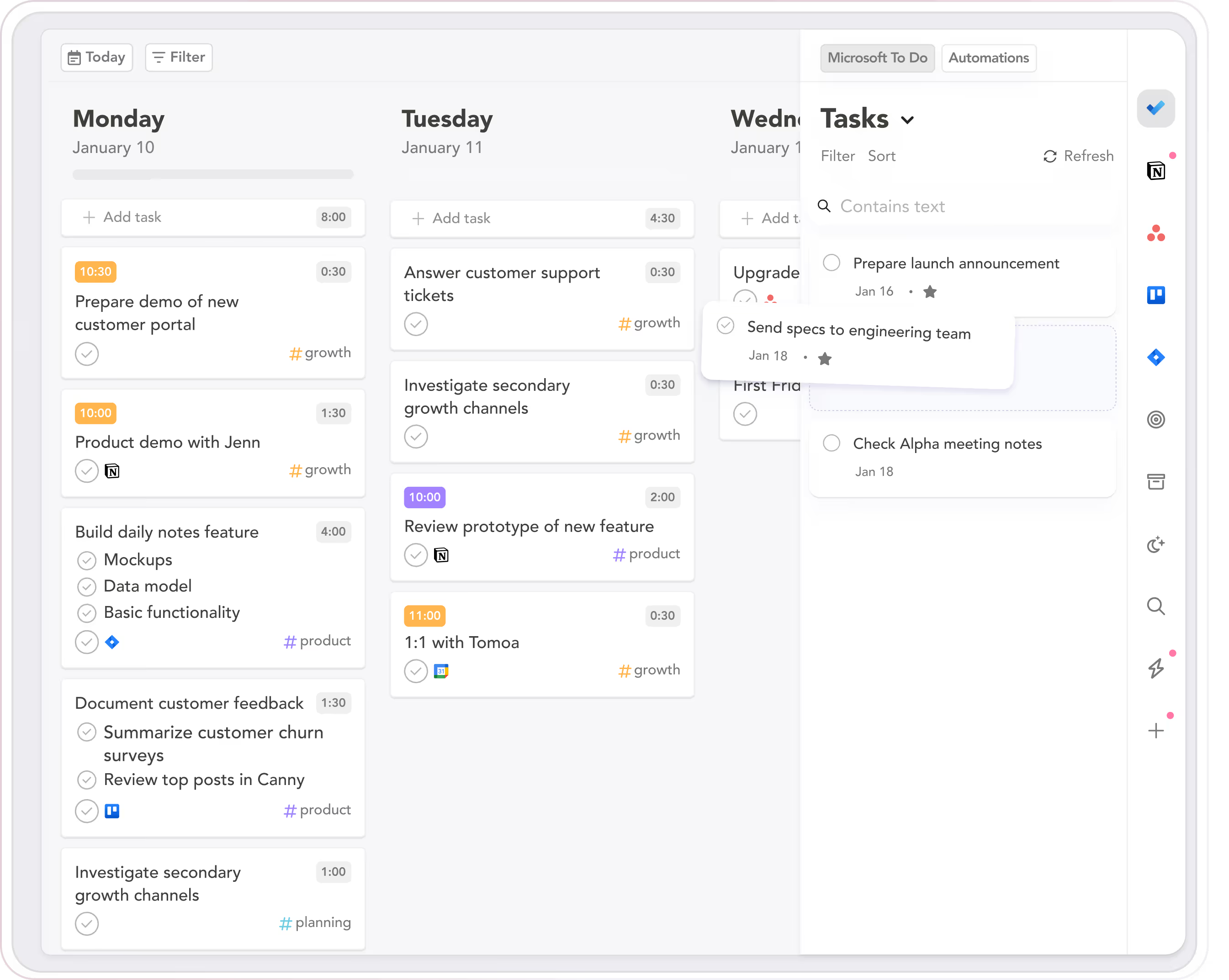
Integration preview

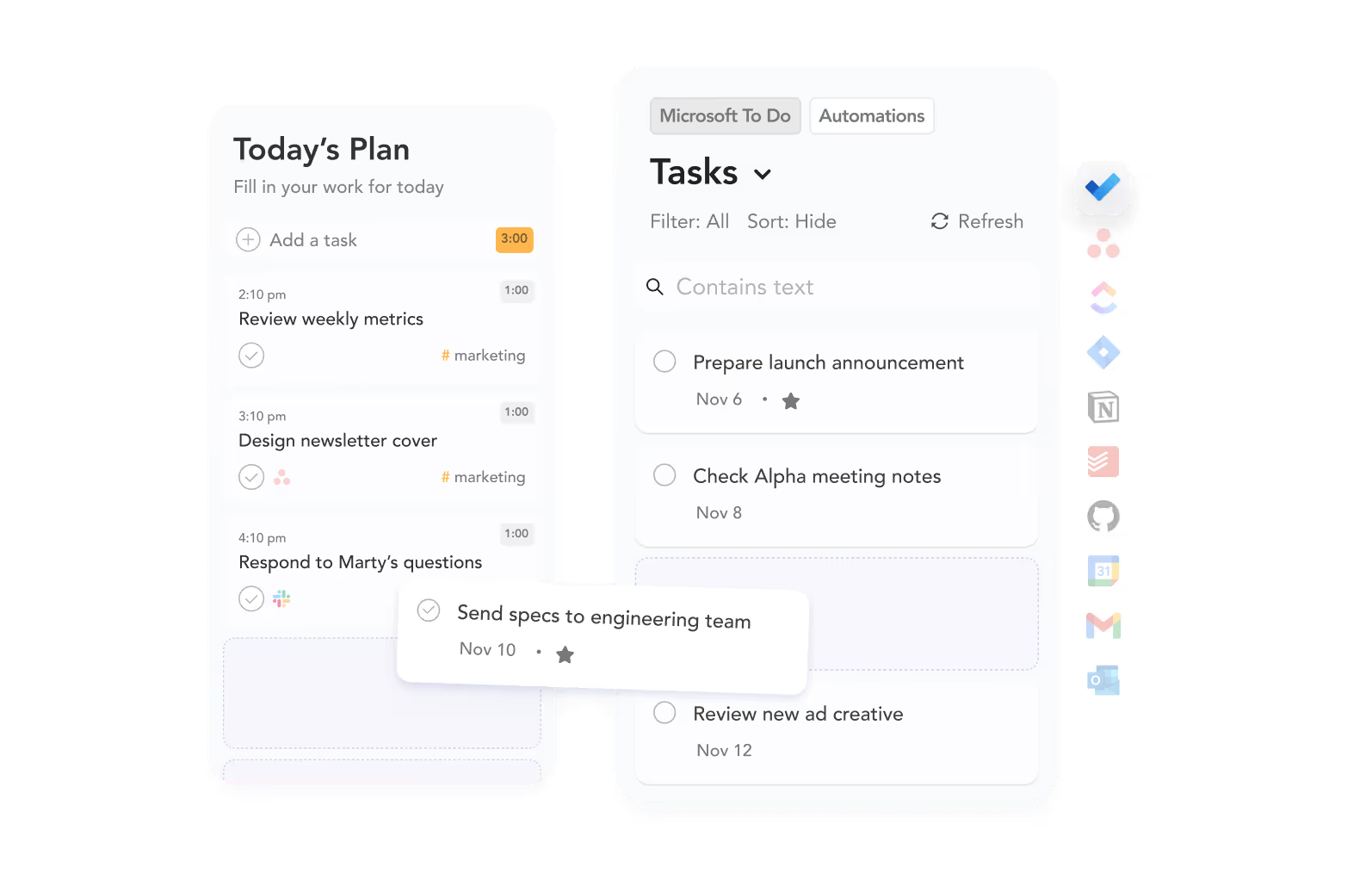
Pick the Microsoft Planner tasks you want to work on today

Bring in only what matters most, instead of staring at an endless list.
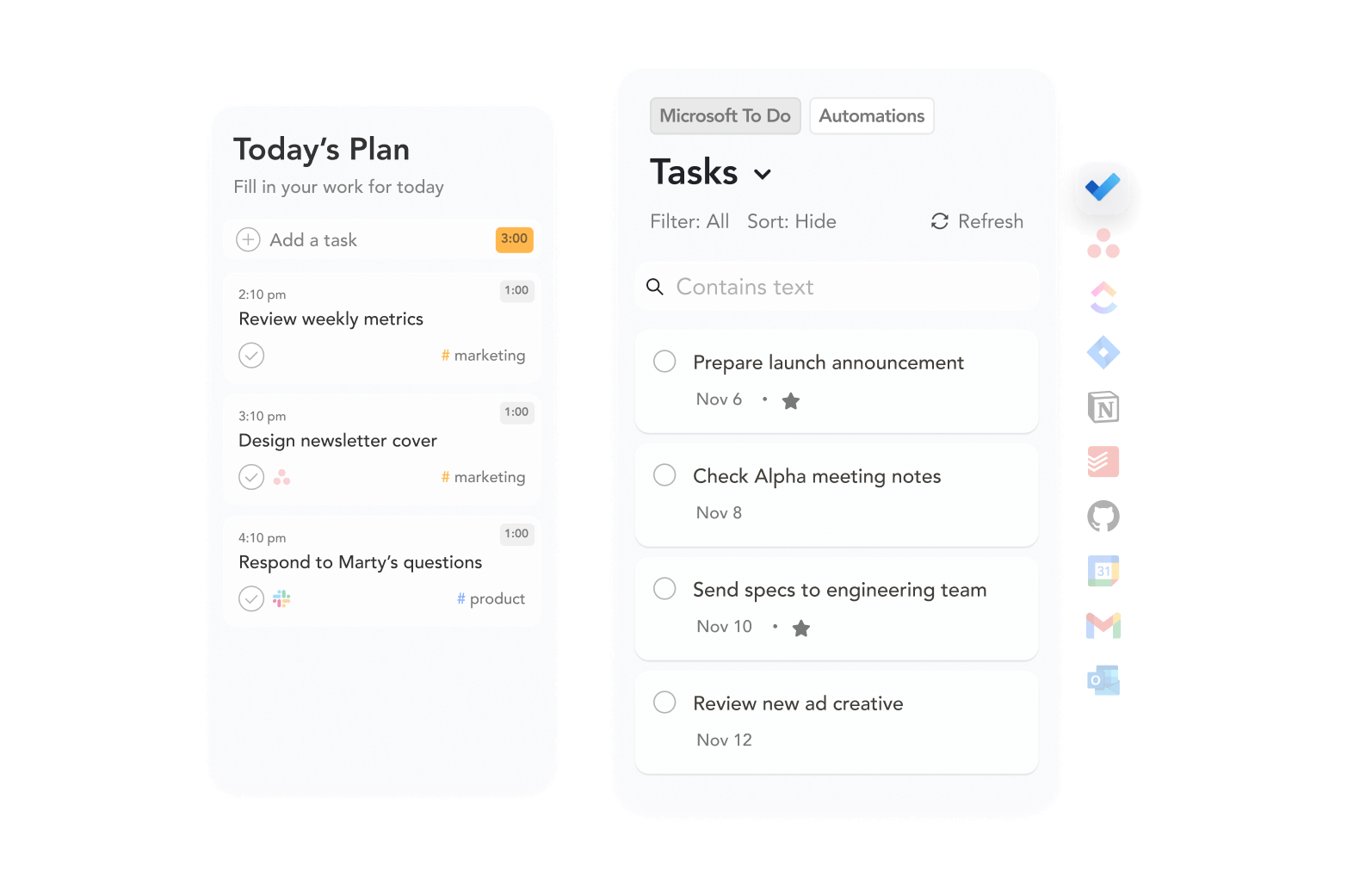
Import tasks from Google Tasks integration
Timebox tasks from Google Tasks integration

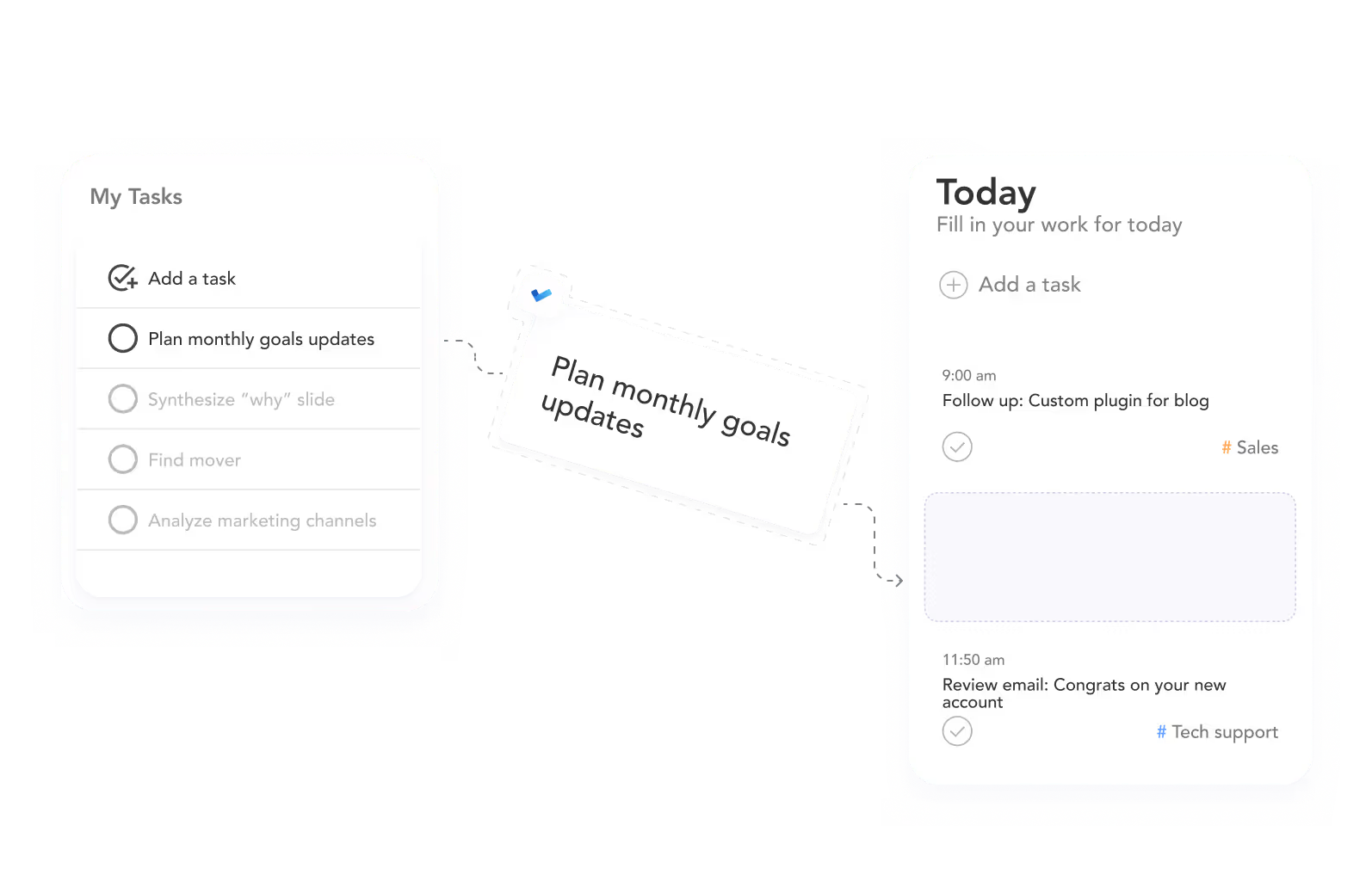
Import tasks into your daily plan

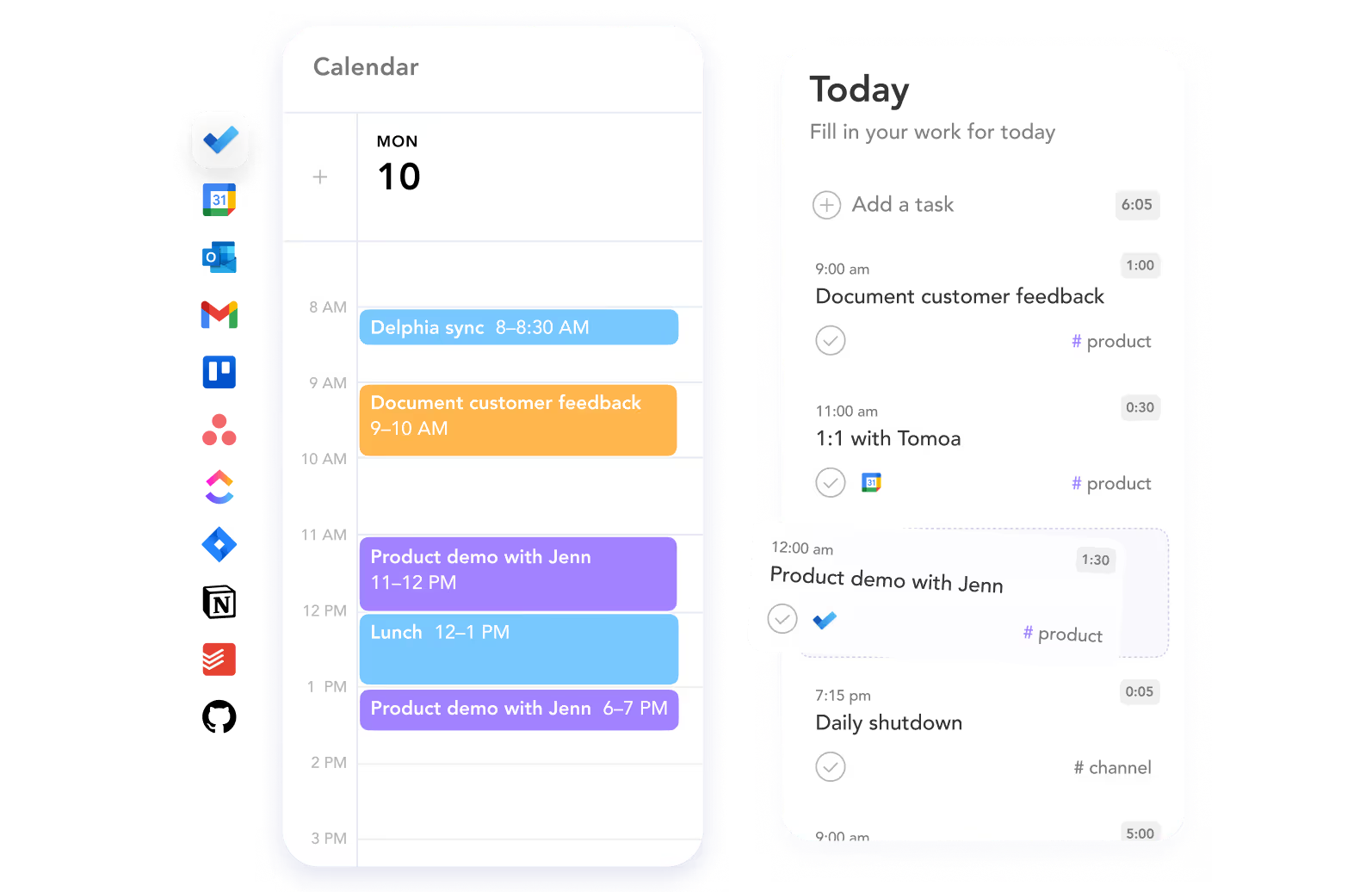
Drag your tasks into Sunsama’s calendar view to create a realistic daily plan.

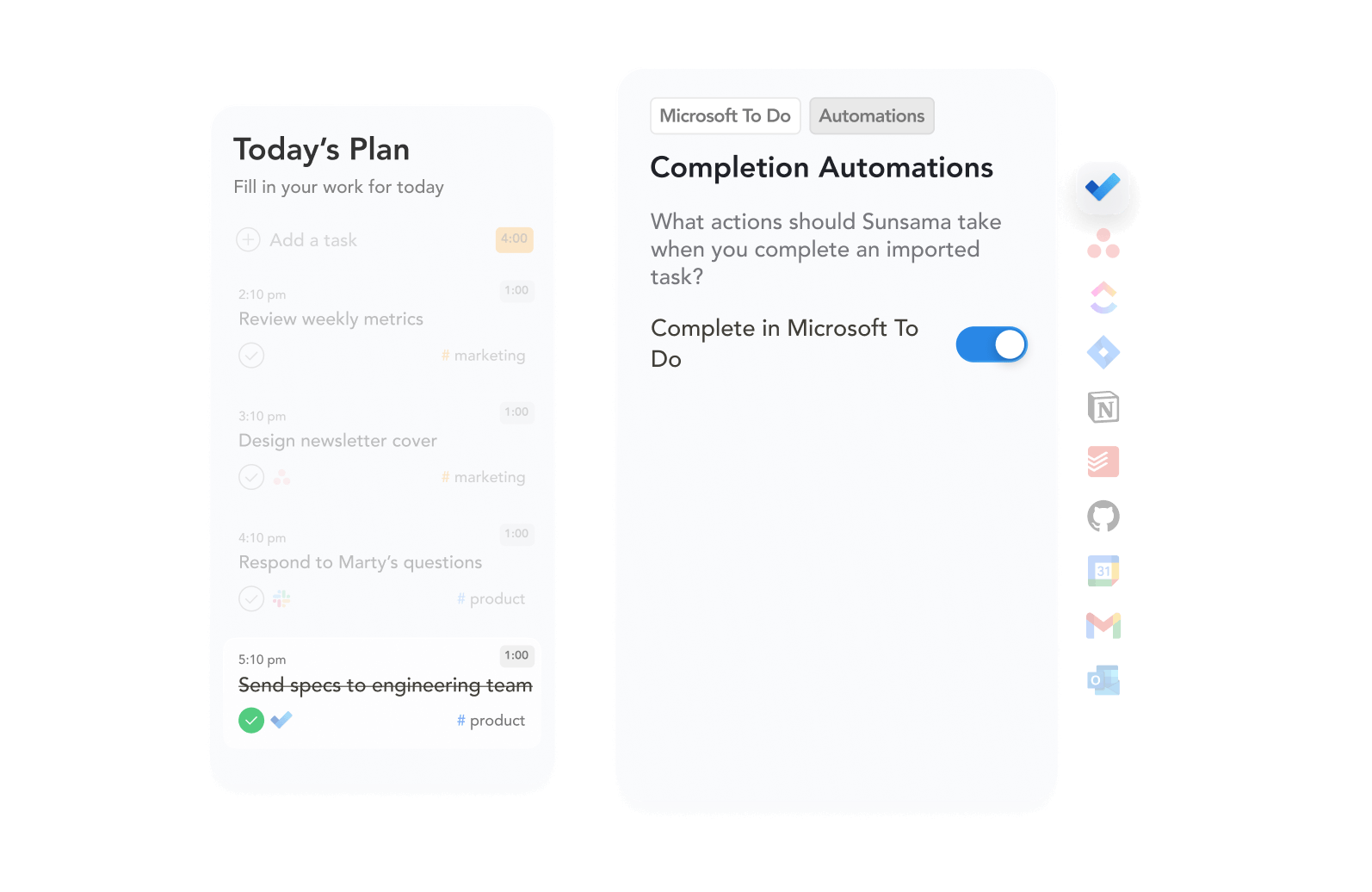
Stay in sync, automatically

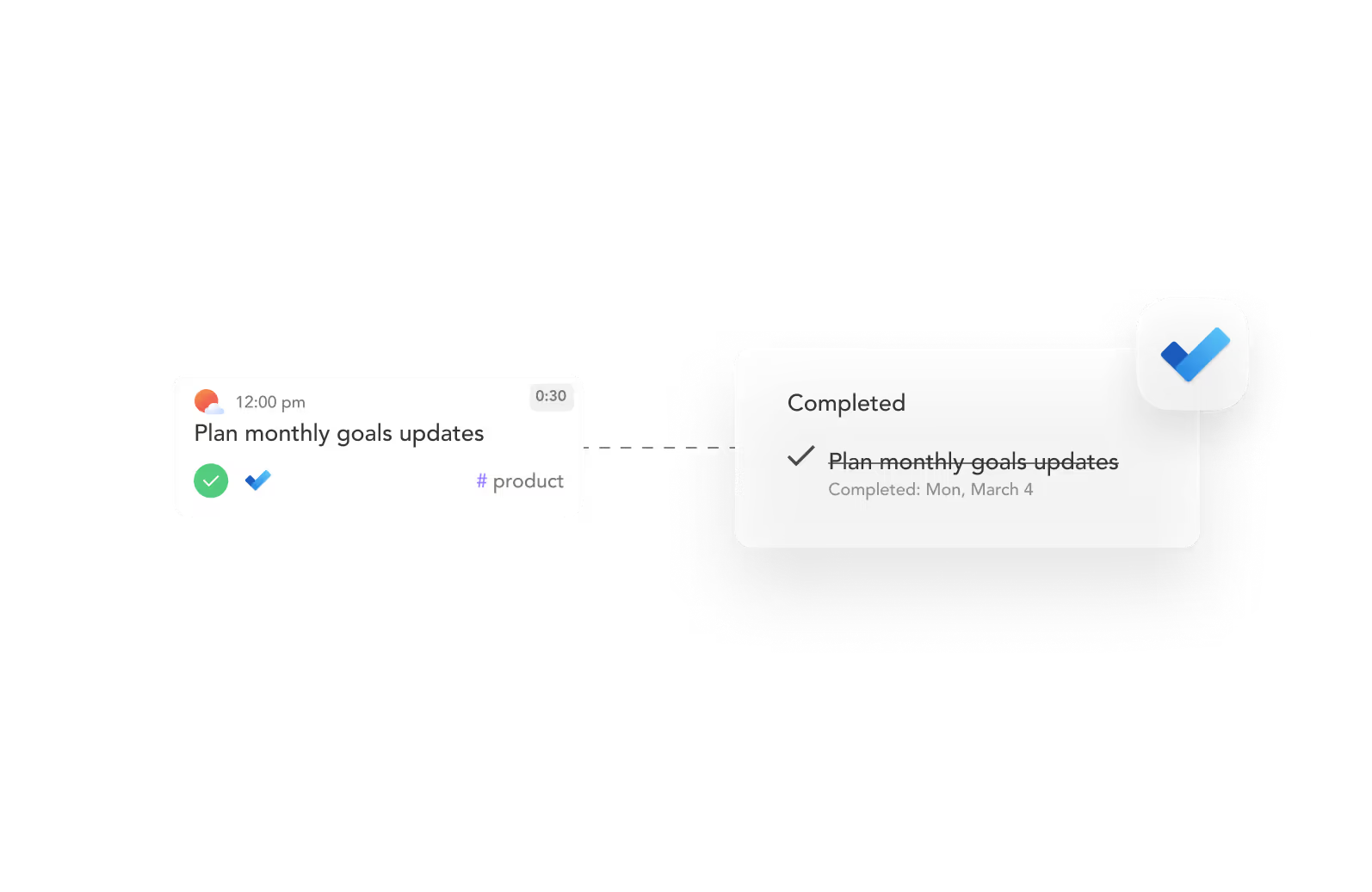
Sunsama automatically updates your tasks in Microsoft Planner when you import them or check them off.

Import tasks from integration
Microsoft Planner app icon featuring a blue checkmark and Sunsama app icon showing an orange sun with a white cloud.
User interface showing task transfer from a 'My Tasks' list with multiple tasks to a 'Today' schedule with time-marked tasks.
Screenshot of a calendar and task list app showing scheduled events and tasks for Monday the 10th, including meetings, lunch, and demos with color-coded time blocks.
A task card labeled 'Plan monthly goals updates' showing synchronization between Sunsama and Microsoft Planner with the task marked completed and struck through.
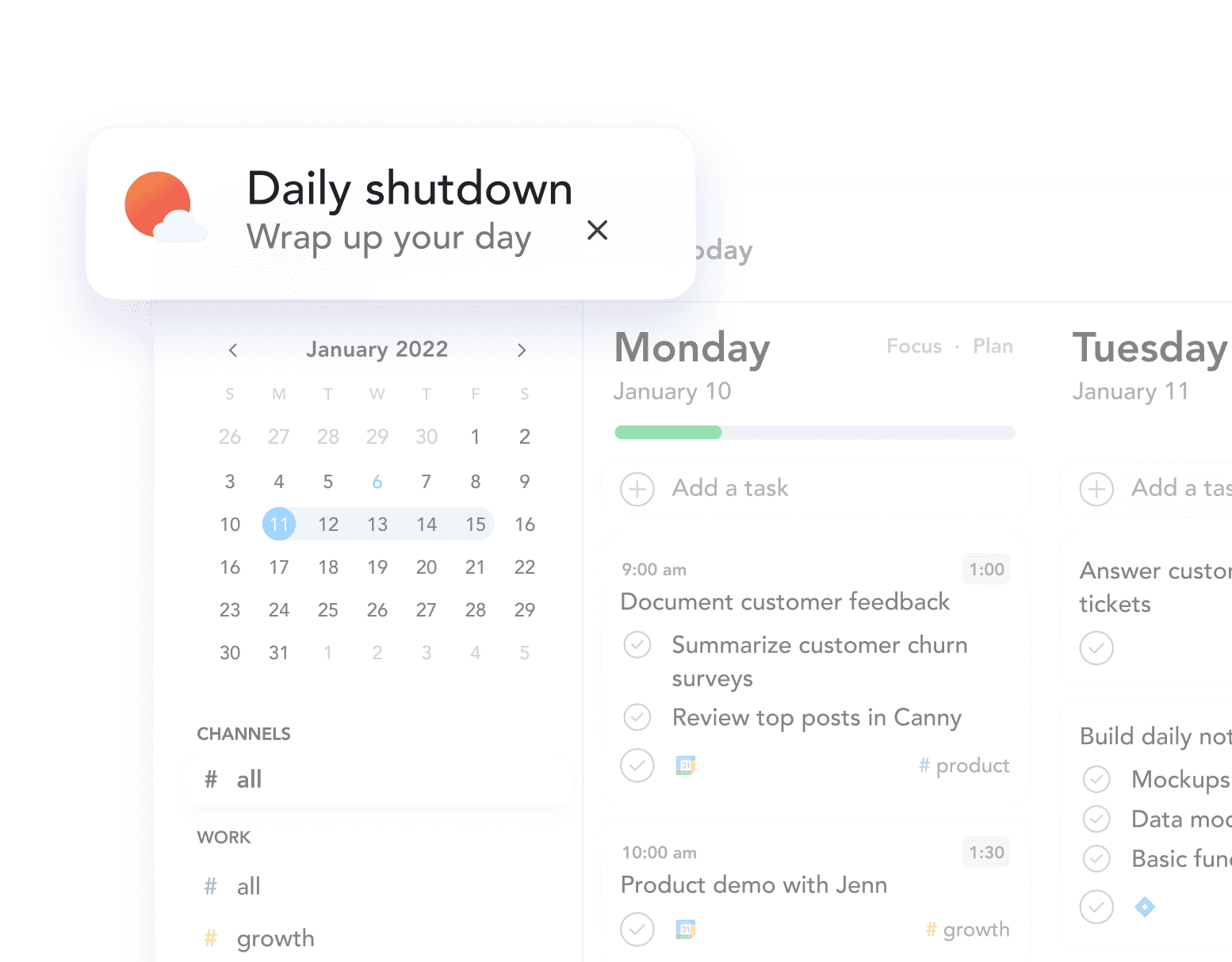
Digital calendar and task planner showing January 2022, daily tasks for Monday January 10, including customer feedback and product demo.

How to get started with Microsoft Planner + Sunsama

Connect Microsoft Planner with Sunsama and plan your day with confidence

Get Started for Free