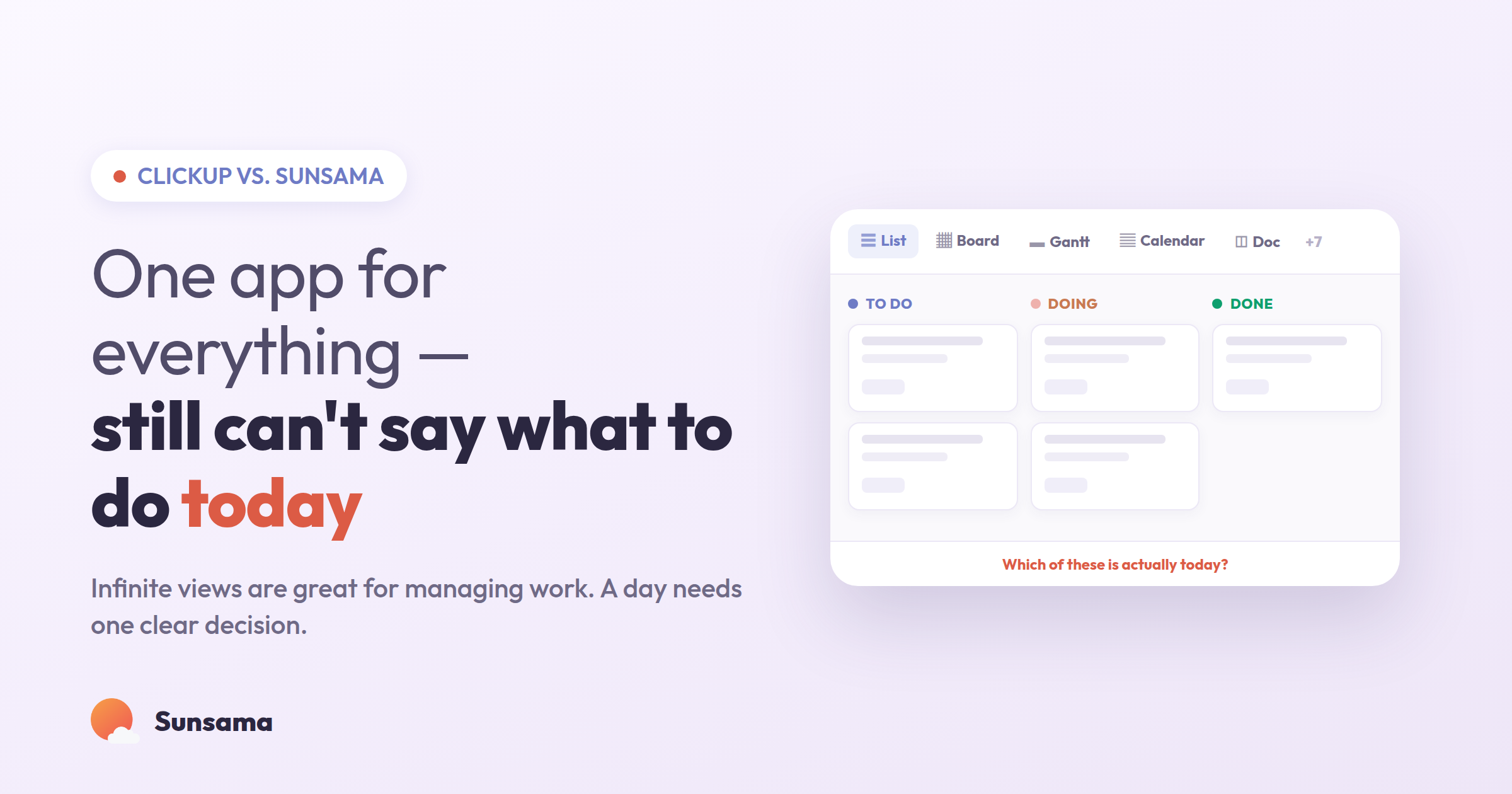
You opened ClickUp this morning and there it was: the workspace you spent a weekend building. Spaces, folders, lists, custom statuses, three dashboards, a couple of automations you’re not totally sure are still running. It is, genuinely, impressive. It can hold everything your team is doing. And yet you’re sitting there with your coffee, staring at it, asking the same small question you asked yesterday — okay, but what am I actually doing for the next two hours? — and the app doesn’t have a clean answer.
That gap is the whole reason this comparison exists. ClickUp and Sunsama are both called “productivity tools,” but they’re solving problems that barely touch. One is built to organize the work of a whole team across projects that run for months. The other is built to organize your single day so you can do it without dread. If you’re evaluating a switch, or trying to run both without them fighting each other, it helps to be honest about which problem you’re actually trying to solve.
What each tool is actually for
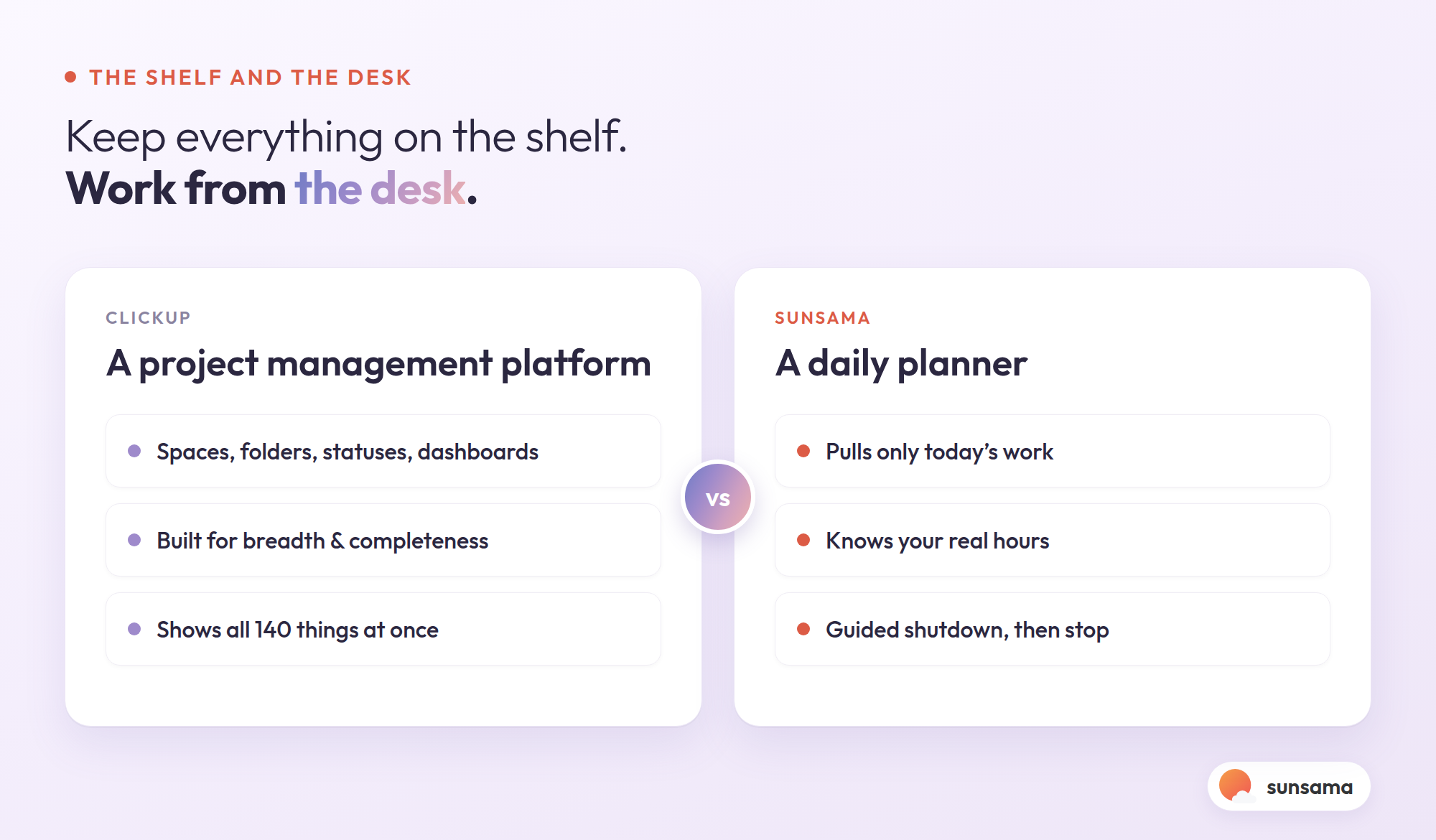
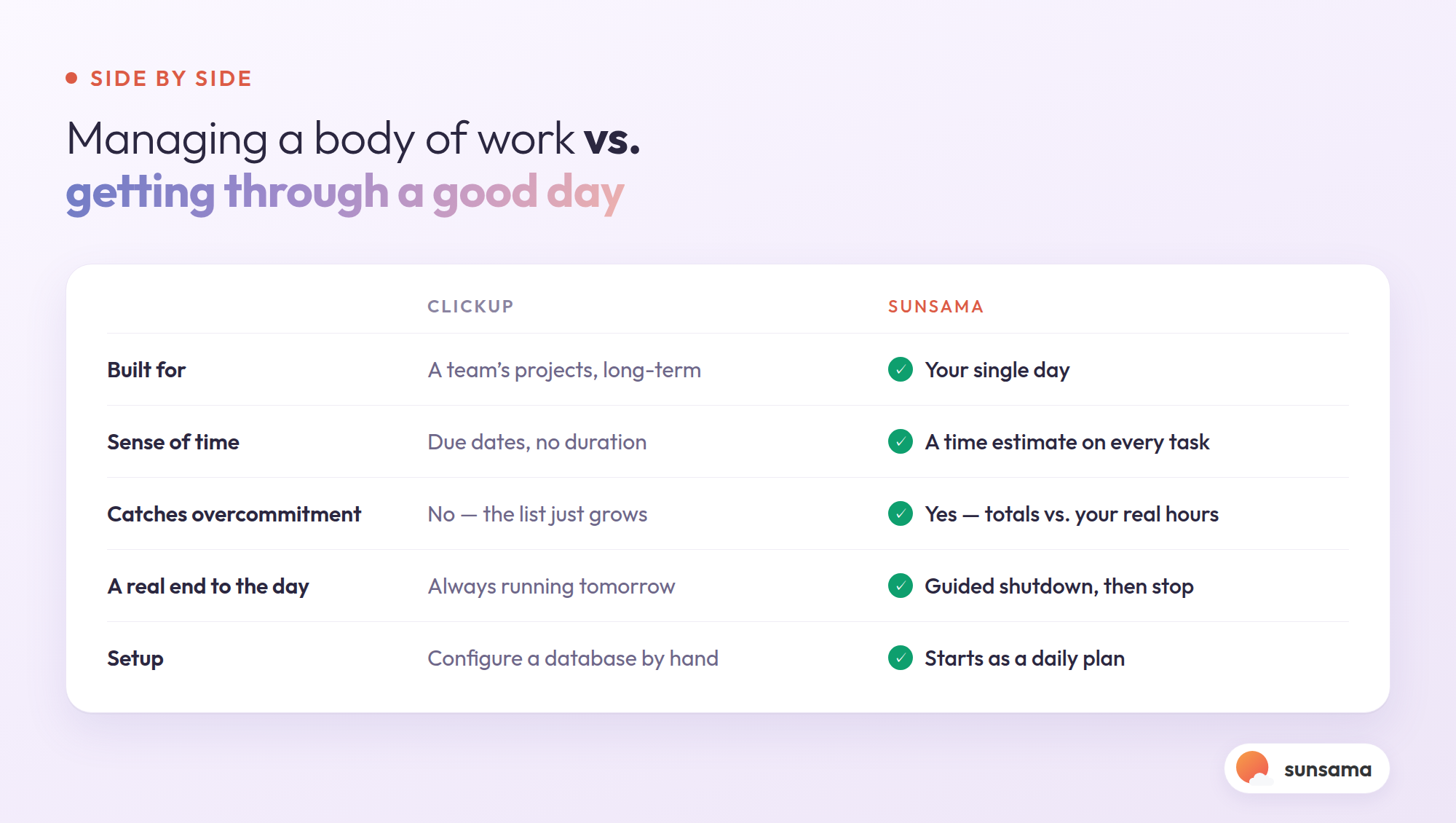
ClickUp is a project management platform — an “everything app,” in its own words. It’s designed so a team can see the full shape of its work: what’s in flight, who owns it, what’s blocked, how it rolls up to a goal. Docs, whiteboards, sprints, time tracking, reporting, dozens of view types. When you need a shared source of truth for a project that involves eight people and a Q3 deadline, that breadth is the point. It earns its complexity at the team level.
Sunsama is a daily planner for one person: you. It pulls your tasks (from your to-do apps, your project tools, your inbox) and your calendar into one calm surface, and then it asks you, every morning, to decide what’s realistic for today and roughly when you’ll do it. Then it gets out of the way. It’s less a database of everything and more a ritual for choosing. If you’ve read the official daily planning guide, that deliberate daily choice is the entire spine of the product.
So the honest framing isn’t “which is better.” It’s: are you trying to manage a body of work, or trying to get through a good day? Most people who go looking for a ClickUp alternative discover they were quietly trying to do the second thing inside a tool built for the first.
Why the “everything app” still leaves you stuck at 9am
Here’s the failure mode, and it’s not a knock on ClickUp’s engineering — it’s structural.
A project management tool is optimized for completeness. Every task lives somewhere, tagged and statused and assigned. But completeness and clarity are different things. A list that contains all 140 things your team could do is not the same as an answer to what you should do before lunch. The more faithfully the tool captures everything, the louder it gets — and the louder it gets, the more you end up re-deciding your priorities every time you open it. That daily re-litigation is exhausting, and it’s the quiet tax of living inside a system built for breadth.
The second problem is that most project tools treat time as an afterthought. A task has a due date, maybe a priority flag, but it has no duration and no home on your calendar. So you can have a perfectly organized list of twelve “high priority” tasks and still no idea that they add up to sixteen hours of work you’re trying to cram into a seven-hour day. The list feels productive. Your calendar quietly disagrees. If you’ve ever wondered why you leave work feeling behind despite checking boxes all day, this mismatch is usually why — and it’s the same gap time blocking exists to close.
ClickUp can be configured toward daily focus — a “My Work” view, filters, a today list. People do it. But you’re bending a team database into a personal planner by hand, and re-bending it every time the workspace grows. Sunsama starts where you’re trying to end up.
How to actually decide (or run both)
If you’re weighing the switch, here’s a calm way through it rather than another weekend of setup.
1. Name the real job. Write one sentence: “I need a tool to ______.” If it ends in coordinate my team’s projects, ClickUp (or a tool like it) is doing real work you shouldn’t rip out. If it ends in know what to focus on today and not overcommit, that’s a daily planning job, and no amount of ClickUp configuration will make a project database feel like a plan for your afternoon.
2. Separate the shelf from the desk. Your project tool is the shelf — everything lives there, organized, retrievable. Your planner is the desk — only what you’re working on today sits on it. The mistake most people make is trying to work at the shelf. Let ClickUp be the shelf. Let a daily planner be the desk.
3. Pull, don’t retype. The reason people abandon a second tool is double entry. Sunsama connects to the tools you already use and pulls tasks in, so your ClickUp tasks show up in your daily plan without you copying anything. You plan against them in the morning and check them off once; the status flows back. No parallel universe to maintain.
Try it in Sunsama: Connect your existing project tool, then each morning drag only the two or three tasks you’ll genuinely touch today onto your plan. Leave the rest on the shelf. Notice how different the day feels when your working surface holds six things instead of six hundred.
4. Give every task a time estimate. This is the step that quietly fixes overcommitment. When you plan your day in Sunsama, you put a rough estimate on each task, and the app adds them up against the hours you actually have. Suddenly “I’ll knock all this out today” turns into “that’s already nine hours — two of these move to tomorrow.” That single number does more for a sane workday than any priority flag. For more on ordering what’s left, the best way to organize tasks is a useful companion here.
5. Close the day on purpose. ClickUp’s job is to still be running tomorrow. A planner’s job is to help you stop. At the end of the day, Sunsama walks you through what got done, what didn’t, and what rolls forward — so you leave with a clear head instead of an open browser tab. Pair it with a weekly pass using how to conduct a weekly review and the shelf stays honest without you living inside it.
Try it in Sunsama: Run the guided shutdown at the end of one workday this week. Anything unfinished rolls to tomorrow automatically — which means you’re allowed to actually close the laptop, instead of keeping the day open “just in case.”
The reframe: you don’t have a tool problem
Most people who type “ClickUp alternative” into a search bar don’t actually dislike ClickUp. They dislike how they feel at 9am — scattered, behind before they’ve started, unsure where to put their hands. And they’ve concluded the tool is the problem.
Usually it isn’t. Usually the problem is that they’ve been asking a project management platform to do a job it was never built for: to be calm, to be small, to tell one person what today looks like. ClickUp is very good at holding the whole picture. It’s just not designed to make the whole picture feel manageable to you, personally, on a Tuesday. That’s a different tool, doing a different thing.
You don’t have to choose sides. Keep the shelf if your team needs it. Add a desk. The point isn’t to own fewer apps — it’s to stop starting your day by negotiating with a database, and start it by making one clear, realistic decision about what matters today.
Pro Tip: For two weeks, don’t open your project tool first thing. Open your daily planner, build today from what’s already synced in, and only visit ClickUp when you specifically need to update or find something. Most people are surprised how much of the anxiety was never the work — it was opening the work at full volume before they’d decided anything.
Getting started
If the daily part is what’s been missing, you can test the whole idea in about ten minutes: connect the tools you already use, let your tasks flow in, and plan one honest day with time estimates attached. Keep ClickUp exactly where it is. See whether the morning feels quieter when the deciding happens somewhere calm. If it does, you’ll know which job each tool is really for — and you’ll stop asking a workspace built for everyone to tell you what you should do today.