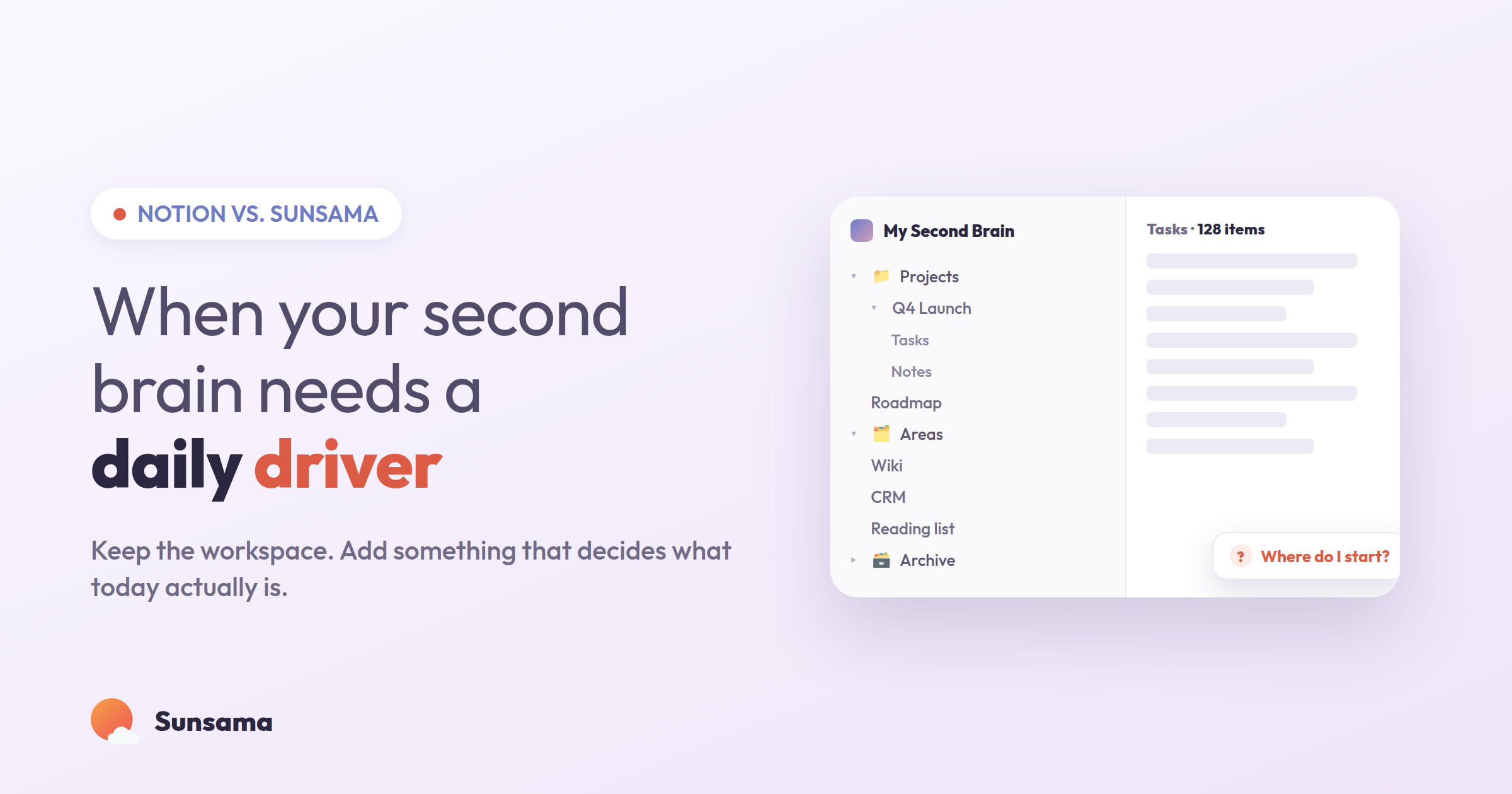
You built the workspace. There’s a database for projects, a linked table for tasks, a habit tracker with a rollup you’re quietly proud of, and a home dashboard that greets you every morning. On paper, your life is organized. And yet, most mornings, you still open it, look at everything at once, and feel the same small dread: where do I even start today?
If that’s you, you don’t have a Notion problem. You have a mismatch. Notion is one of the best tools ever made for holding your work. It’s just not built to help you do it on a particular Tuesday. That’s a different job, and it’s worth being honest about which tool is actually good at which.
This isn’t a takedown. A lot of us — myself included — keep a Notion workspace and love it. The question is narrower and more useful: when it comes to planning and getting through a single day, what does a flexible, all-in-one workspace do well, where does it quietly fail, and what does a dedicated daily planner do differently? Let’s walk through it calmly, without the “throw out your whole system” energy that makes these comparisons exhausting.
What Notion is genuinely great at
Notion is a connected workspace for wikis, docs, projects, and databases. Its superpower is structure you design yourself: you can model almost any information the way your brain wants it. Project trackers, meeting notes, a reading list, an entire company handbook — they can all live in one place and link to each other. Notion’s plans run from a free tier up through Plus, Business, and Enterprise, so it scales from a personal second brain to a whole team’s source of truth.
For reference and capture, this is exactly what you want. When you need somewhere to put a thought so your mind can let go of it — the thing a good brain dump is really for — a flexible database is a gift. When you need to find that thought again in three weeks, the same flexibility pays off. Notion is a fantastic place for work to live.
The trouble starts when you ask that same library to also be your daily to-do list.
Why an all-in-one workspace struggles as a daily planner
Here’s the pattern I see over and over, and maybe you’ll recognize it. The reasons a general workspace makes a shaky daily driver aren’t bugs — they’re the flip side of everything that makes it powerful.
It shows you everything, all the time. A Notion dashboard is designed to surface your whole world. But a day doesn’t have room for your whole world. The official research on daily planning keeps landing on the same point: a plan works when it forces a choice about today, not when it displays every open loop you have. An always-on database is the opposite of a choice. It’s a wall.
It has no relationship with time. Your tasks live in one tool; your calendar lives in another. A checkbox in Notion doesn’t know that you already have four hours of meetings, so it happily lets you “plan” twelve hours of work into a six-hour day. Without a felt sense of how long things take, planning becomes wishing. This is the core of why so many task systems quietly stop working — they collect intentions but never reconcile them against the hours you actually have.
It doesn’t handle the rollover. The hardest part of any real day isn’t the plan — it’s what you do with the three things you didn’t finish. In a hand-built workspace, unfinished tasks just sit there, undated or stale, until the list becomes archaeology. There’s no gentle nudge that says: this didn’t happen; do you still want it tomorrow, or was it never that important?
It asks you to be the maintainer. Every template you build is something you now have to tend. The setup is fun. The daily upkeep — dragging tasks, updating statuses, resisting the urge to reorganize the whole thing when you’re avoiding real work — is a tax. Notion Calendar (a separate app) helps stitch time back in, but you’re still the one holding the system together.
None of this means Notion is bad. It means you’ve been asking a warehouse to also be a delivery route.
A calmer division of labor
So don’t throw anything out. Reassign the jobs. Here’s a simple way to think about it, and then a four-step daily rhythm that works whether Notion stays in the picture or not.
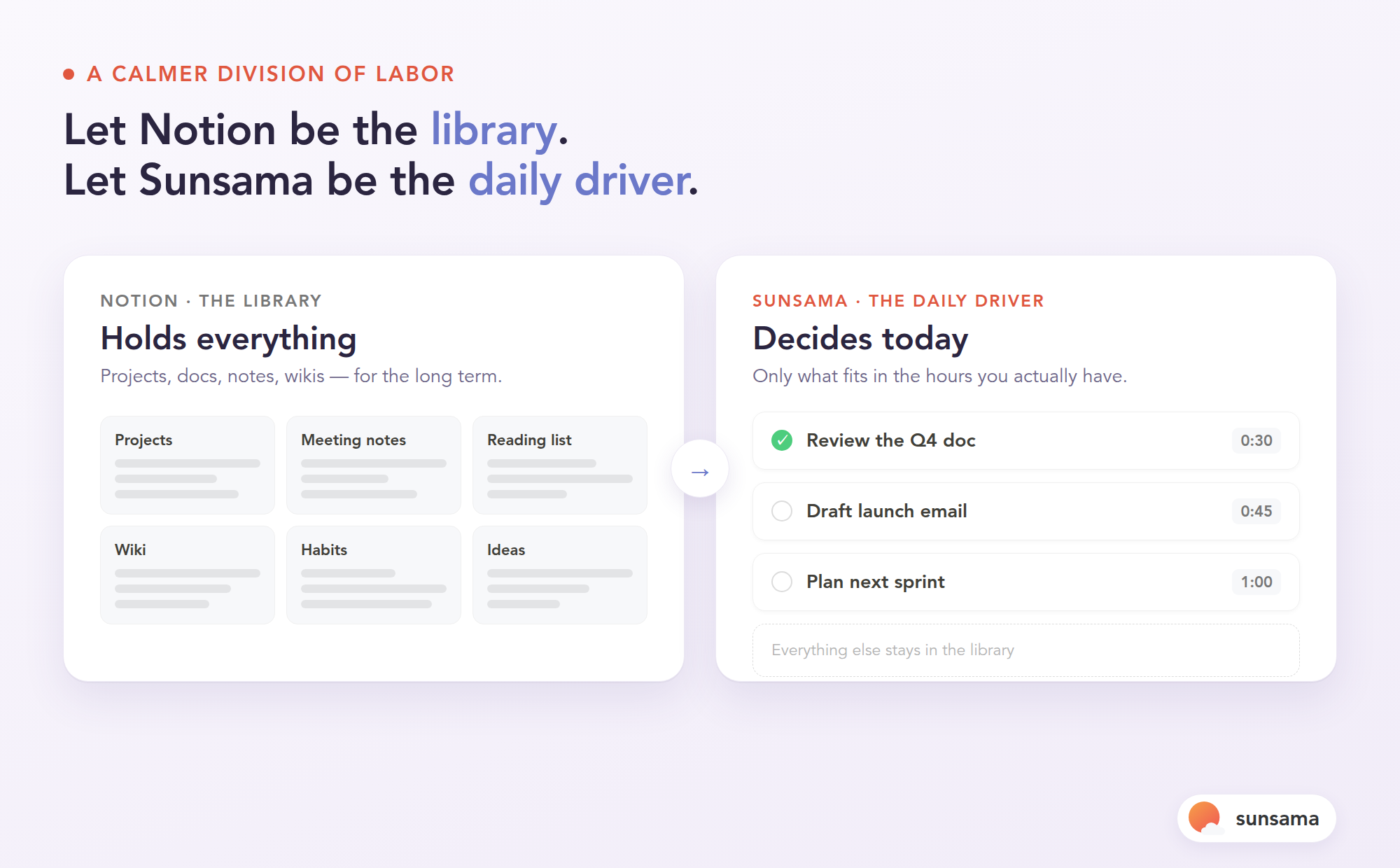
Let your workspace be the library — the place work lives long-term. Let a dedicated daily planner be the daily driver — the place you decide and execute one day at a time. When those two roles are clear, the friction mostly disappears.
1. Keep capture where capture already works
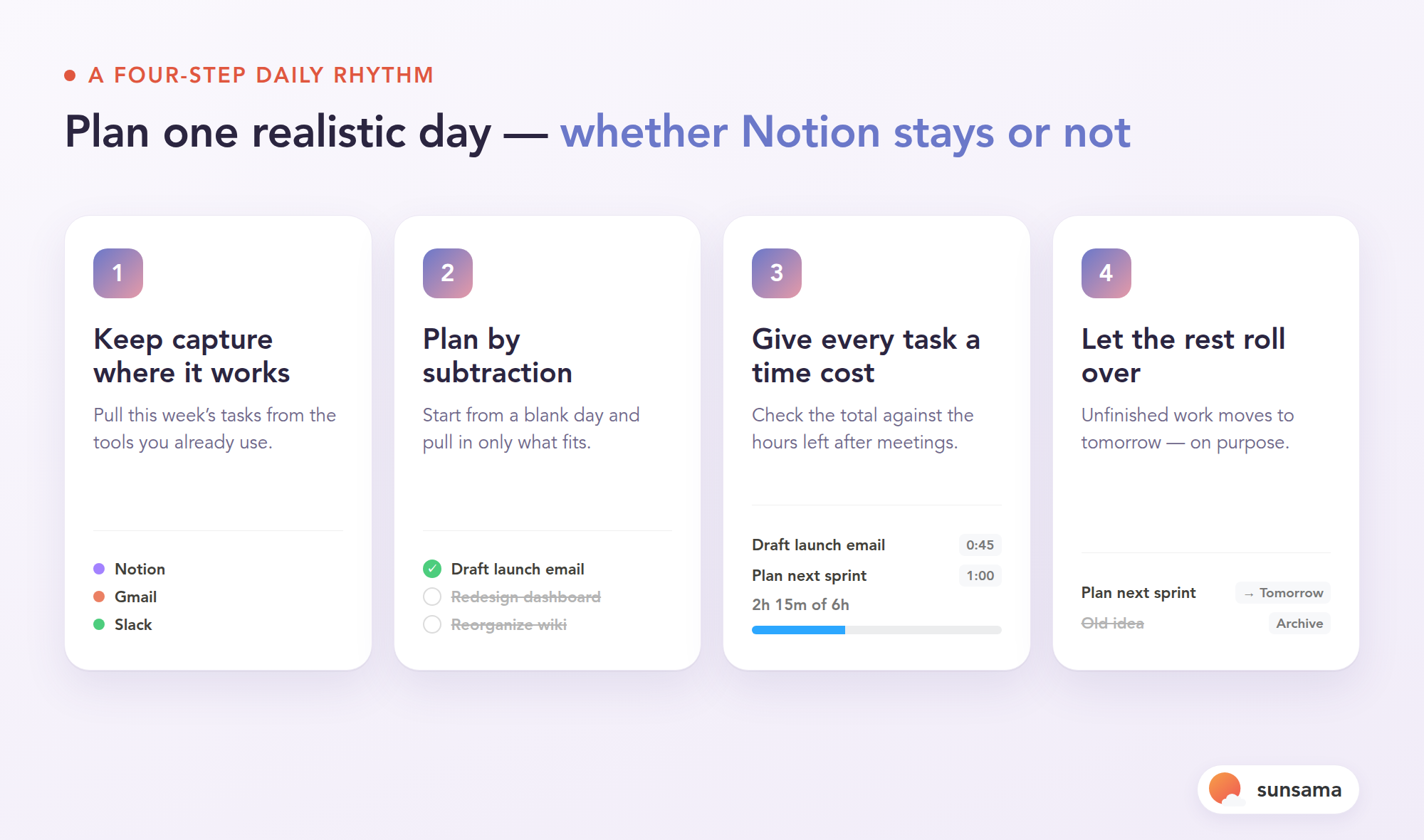
If Notion is where ideas and projects land, leave them there. Don’t force yourself to migrate your whole life. The daily planner only needs the handful of things you’re actually going to touch this week. Sunsama pulls tasks in from the tools you already use — Todoist, Asana, ClickUp, Jira, Trello, plus Gmail and Slack — so the day’s list is drawn from your sources rather than becoming a second place you have to maintain.
Try it in Sunsama: Connect one source you actually live in — your task manager or your inbox — and leave the rest for now. You want your day to pull from where work already is, not to become another silo you have to feed.
2. Plan the day by subtraction, not addition
This is the move a database can’t make for you. Instead of looking at everything and adding, start from a blank day and pull in only what fits. Sunsama’s guided planning walks you through it once a day and asks the quiet, essential question — what should I actually work on today? — instead of showing you all 60 open items at once. A plan is a set of nos as much as yeses.
3. Give every task a time cost
Attach a rough estimate to each thing you plan, then check the total against the hours you truly have after meetings. This single habit is what separates a plan from a wish. When the estimates add up to more than the day, you cut now, calmly, instead of discovering the overflow at 5 p.m. Pairing this with time blocking — dropping the chosen tasks onto your calendar — turns the list into an actual shape for the day.
Try it in Sunsama: Add a time estimate to each task as you plan, and watch the daily total. If it’s over your real capacity, that’s not a failure — that’s the plan doing its one job before the day starts.
4. Let unfinished work roll over on purpose
At the end of the day, the things you didn’t finish shouldn’t vanish or silently pile up. In Sunsama they roll to tomorrow automatically, but you decide whether each one deserves the spot — a small, repeated act of triage that keeps the list honest. Over a week, that’s the difference between a plan you trust and a graveyard you avoid. It also feeds naturally into a weekly review, where you zoom out and notice what kept sliding.
Pro Tip: Resist the urge to rebuild your Notion setup inside your new planner. The daily driver should stay deliberately thin — today’s chosen work and nothing else. If you find yourself designing databases in it, that’s a sign you’ve slipped back into maintaining a library instead of driving a day.
The reframe: your tools should disagree about their jobs
We tend to chase the all-in-one dream — one app to rule everything — because switching tools feels like failure. But the healthiest setups I’ve seen aren’t unified; they’re specialized. The library and the daily driver are allowed to be different tools precisely because they’re doing different work. Your day is not a project database to be queried; it’s a small, finite stretch of hours to be spent well.
Notion is superb at answering “what do I know, and where does it live?” A daily planner is built to answer “what am I doing right now, and is it realistic?” You don’t have to pick a winner. You have to stop asking one tool to do both and then blaming yourself when the day still feels chaotic.
If you’ve been quietly exhausted by a workspace that shows you everything and decides nothing, that’s not a discipline problem. It’s a job-description problem — and it’s fixable in an afternoon.
Getting started
Keep your Notion workspace exactly as it is; it’s earning its keep as your second brain. Then add a daily driver on top and give it one job: help you choose and finish a single realistic day. Sunsama offers a 14-day free trial with no credit card, and paid plans start at $20/month billed annually, so you can test the division of labor for two full weeks before deciding anything. Plan tomorrow by subtraction, cost it against your real hours, and let the rest roll over on purpose. Your second brain will thank you for finally giving it a driver.